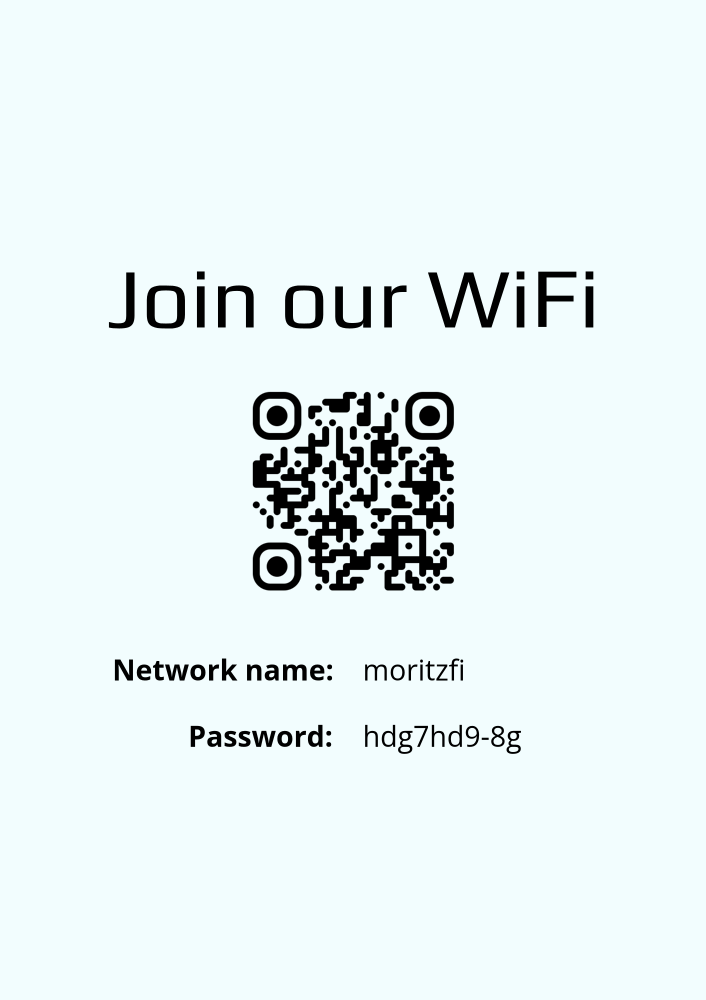
Choose. Make it yours. Print.
Google review sign templates
A small sign. An easier way to leave a review. Choose a design for your counter or wall, add your business, and make it yours.
- Free download
- No signup needed
- PNG export
From a template to your space
- 01
Choose a design
Pick an A6 sign for a counter holder or an A4 poster for a wall.
- 02
Add your business
Find the correct Google listing and customize the text and colors.
- 03
Download and print
Download the PNG. Set the stated paper size and scan a test print.
A review sign for the place it belongs
Place an A6 sign in a holder near the checkout or reception desk. Use an A4 poster where visitors have room to stop and scan. These flat designs also work as review flyers. Choose the format before you customize it.
Print your Google review QR code
Your design includes a QR code that opens the Google review form for the selected business. Download the finished PNG and choose the matching paper size in your print settings. Keep the QR code clear of folds, trim edges, and reflections. Scan the printed code to check the branch before you display it.
A simple request for honest feedback
Use wording such as “Review us on Google” or “Tell us about your visit.” Let each customer choose their own rating. The same sign can serve happy and unhappy customers. Never offer a reward in exchange for a review.
Before you print
Are these Google review templates free?
Yes. You can select a design, add your business, customize it, and download it without creating an account.
Can I make a poster, flyer, or counter sign?
Yes. A4 works for posters and flyers. A6 works for a small flat sign or an insert in a counter holder. These are not folded table displays or sheets of business cards.
Which file format can I download?
The editor downloads a PNG image. Choose a standard printer or add bleed for a print shop. PDF, Word, and Canva files are not included.
Does the printed QR code expire?
The code contains a direct Google review link. Productmate does not add an expiry date. Check the code again if your Google listing changes or becomes unavailable.