For medical practices
Turn waiting time into knowledge.
Digital information, practice services and interactive content right in the waiting room.
With PRODUCTMATE, patients can access health information, practice services, videos, forms, quizzes, feedback and review links through compact touchpoints.
No app. No login. No searching through old magazines.

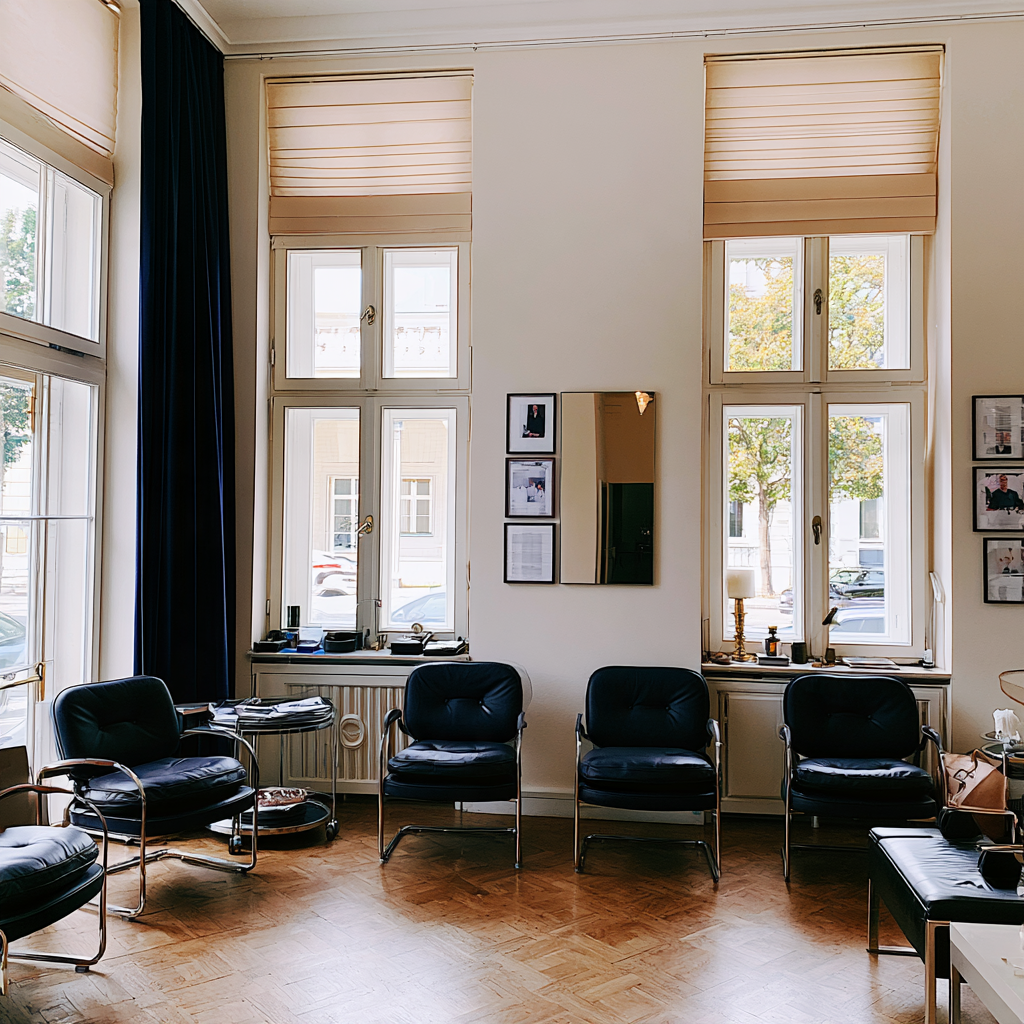
Patients are already waiting.
Five minutes. Ten minutes. Sometimes a little longer.
The waiting room is one of the few places where patients have time to engage with useful information.
PRODUCTMATE turns that time into easy access to content that matters to your practice.
Health topics. Practice services. Videos. Useful tools.
We cannot always shorten the wait. But we can make better use of it.

Googling is not a diagnosis.
What examinations does your practice offer?
What happens during a preventive check-up?
What should patients know before an appointment?
What other services are available?
With a touchpoint, patients can access clear, structured information provided by your practice.
Share it as a short article, PDF, slideshow, video or audio.
Information straight from the source.

Dr. Google is off today.
High blood pressure. Back health. Sleep. Nutrition. Skin health. Vaccinations. Prevention.
Depending on your specialty, you can share relevant health topics right in the waiting room.
Content can come from your practice or selected sources and be updated at any time.
This creates another way for your practice to inform patients.
Useful health information, right where patients have time to explore it.

How well do you know your blood pressure?
Health information does not have to look like a patient brochure.
Interactive quizzes can make medical and preventive topics more engaging.
For example:
How well do you know your blood pressure?
What do you know about skin cancer screening?
How healthy is your back?
Nutrition: myth or fact?
Each answer can be followed by a short explanation or a link to learn more.
Learning that does not feel like a lesson.

Your practice offers more than patients may know.
Many patients know only the service they came in for.
Your practice may offer much more.
Preventive care. Diagnostics. Check-ups. Health screenings. Optional services. Specialties and treatments.
At a waiting-room touchpoint, you can explain these services clearly and offer more information to those who are interested.
Not a wall of posters. Useful information at the right moment.

Some things are best explained by a doctor.
A 60-second video can sometimes explain more than three pages of text.
Doctors can answer common questions, explain examinations or put health topics into context.
Short videos can also introduce treatment preparation, follow-up care or new services.
Update them whenever needed.
Explain it once. Help patients understand it again and again.

The front desk does not have to handle everything.
Callback requests. Questions about services. Interest in specific offers. Other administrative enquiries.
Patients can send suitable requests through simple digital forms.
This can reduce follow-up questions at reception and give the practice a more structured way to respond.
Use it only for information and processes appropriate for digital submission.
Fewer paper slips. Fewer interruptions. More structure.

Before you are called in.
Before an examination or treatment, patients often have questions.
How will it work?
What happens afterwards?
What should they do beforehand?
What are the next steps?
A waiting-room touchpoint can make this information available in text, video or a short slideshow.
Patients can enter the conversation better informed.
Fewer unanswered questions before the appointment.

That old display stand can go.
Flu vaccination.
Changed opening hours.
A new doctor on the team.
Cover during holidays.
A new treatment.
Seasonal health information.
Update digital content centrally without printing new posters, flyers or table displays.
The touchpoint stays in place. Its content changes with your practice.
Keep information current without replacing the display.

How was your visit?
Feedback is most useful while the experience is still fresh.
Patients can share their views through the touchpoint.
About the appointment process.
About how the practice is organised.
About reception.
About waiting time.
Or about their overall impression of the practice.
Collect responses internally and identify opportunities to improve sooner.
Ask while the experience is still fresh.

Happy with your visit? Let others know.
Patients who had a good experience can go straight to your practice's review profile.
That makes it easy to share feedback while their visit is fresh in mind.
You can also link to social media channels or other relevant profiles.
Good work gets noticed. Sometimes it just needs a link.
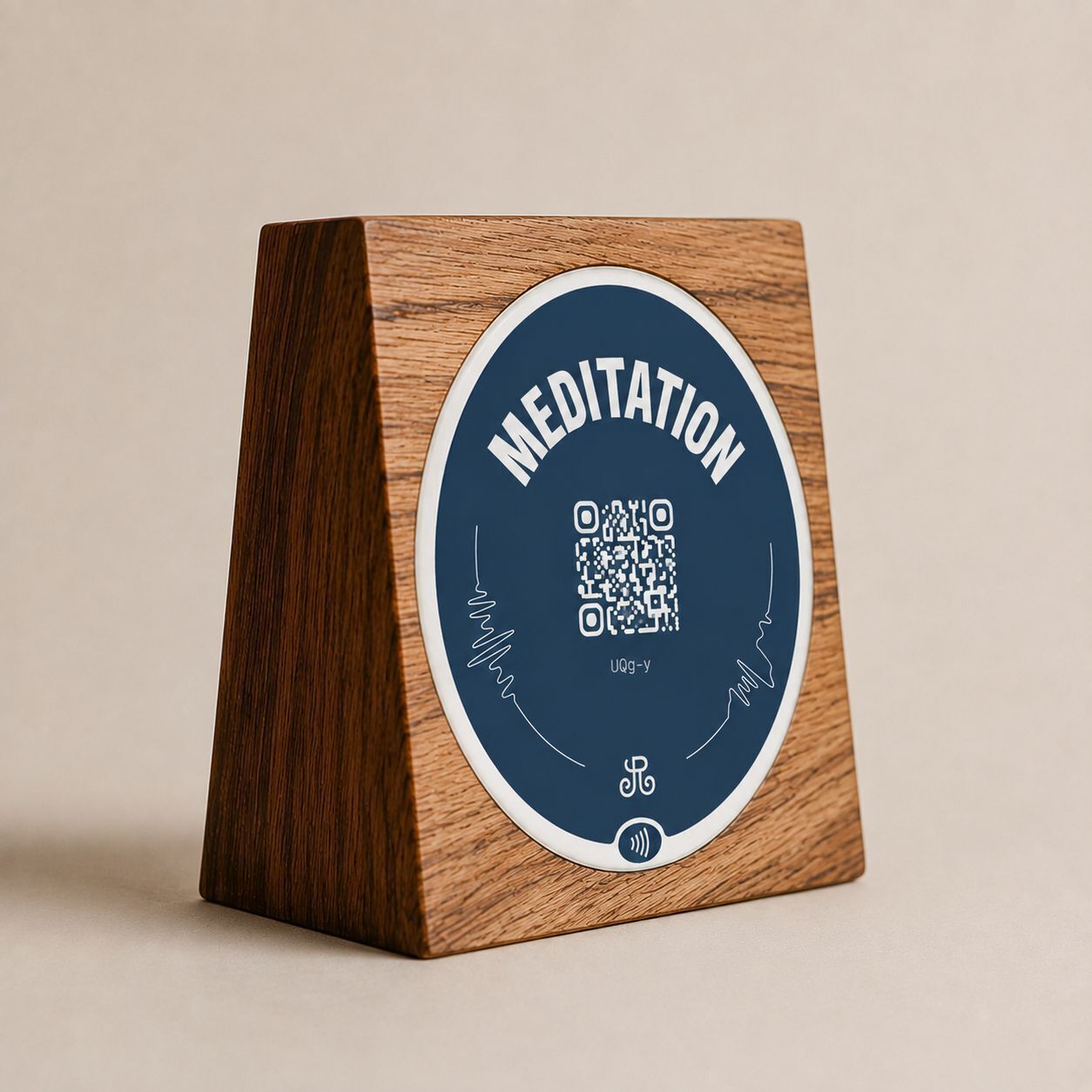
Small touchpoint. Big possibilities.
Wood. Acrylic. Stainless steel.
The physical touchpoint blends into the waiting room and the design of your practice.
Behind it is dynamic digital content. A health quiz today. Preventive care information tomorrow. A vaccination campaign next week.
The touchpoint stays in place. The content changes.
Looks like part of the furniture. Does much more.
Let’s build the right touchpoint
What should your guests find more easily?
Tell us about your hotel, restaurant, or guest journey. We will recommend a practical touchpoint, the right placement, and a digital destination that you can update at any time.