NFC- and QR-code touchpoints for waiting rooms
What should I do after treatment? Which services does the practice offer? And who will see me today? Productmate NFC and QR code touchpoints give patients direct access to pract...
Digital patient service · designed for your practice
Treatment information, practice services, appointment booking, forms and Google reviews open directly on the patient’s smartphone. Productmate creates a simple digital access point for reception, waiting room and treatment areas. Each touchpoint is designed with the practice’s logo, colours and individual call to action.


Patients often have questions before and after treatment: about prophylaxis, the course of a treatment, aftercare, or other services offered by the practice.
A scan or tap takes them directly to the relevant information. No app. No registration. No flyers.
This allows patients to get informed during the waiting time and, if needed, ask targeted questions afterward.

Many patients mainly know their dental practice for the treatment they originally came in for.
The Touchpoint can be used to present additional services clearly – right where patients have time to engage with them.
For example:
With images, videos, brief explanations, or further information.
Don’t sell pushily. Simply make it visible.

What should I know before my appointment? When can I eat again? What should I keep in mind after a procedure?
Recurring information can be made available digitally and exactly where patients need it.
Before treatment
Preparation · Anaesthesia information · Treatment procedures · Important instructions
After treatment
Aftercare · Dental extractions · Implant care · Professional cleaning · Oral hygiene
Existing PDFs, patient leaflets and instructions can also be linked or transformed into mobile-friendly content.

Appointments
Online booking · Rescheduling · Recall appointments
Forms
Medical history · Patient forms · Downloads
Practice information
Opening hours · Contact · Directions · Team · Services
Patient information
FAQs · Treatment information · Multilingual content
The touchpoint stays where it is. The content behind it can be changed or expanded at any time.

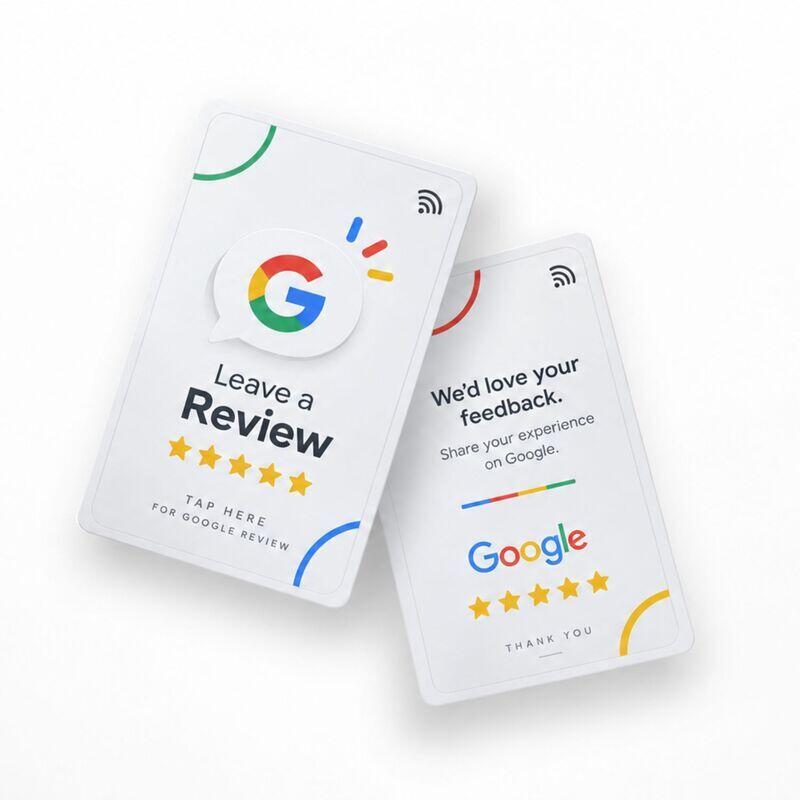
After a positive experience, patients can be directed straight to your practice’s review page.
Scan the QR code or tap via NFC – and the review page opens instantly.
Ideal, for example:
Alternatively, a touchpoint can initially offer several options – for example, Google review, feedback, book an appointment or follow the practice.

The QR code does not have to permanently lead to the same destination.
Change, expand or replace the destination at any time – without reprinting the QR code or replacing the physical touchpoint.
A touchpoint can, for example, initially lead directly to an appointment booking and later bundle several functions:
Appointments · Services · Patient information · Forms · Reviews · Social media
Time-dependent content or different redirects are also possible.

Use the touchpoint to introduce your dentists and practice team before patients even meet them.
Portraits · Specialisations · Qualifications · Languages · Short videos · Personal introductions
Help patients know who they are meeting and create familiarity before treatment begins.
Example: A patient taps the touchpoint in the waiting room. Treatment preparation, aftercare information, forms, online booking, the practice team and the Google review link open on the patient’s smartphone. The practice can update every destination without replacing the touchpoint.
Frequently asked questions
Do patients need an app?
No. The content opens directly in the browser via QR code or NFC.
Does Productmate collect personal data?
No. Productmate does not collect personal data and does not use cookies. Servers are located in Germany.
Can existing booking systems and forms be used?
Yes. Existing websites, booking pages, PDFs and forms can be linked as digital destinations.
Let’s build the right touchpoint
Tell us about your hotel, restaurant, or guest journey. We will recommend a practical touchpoint, the right placement, and a digital destination that you can update at any time.
What should I do after treatment? Which services does the practice offer? And who will see me today? Productmate NFC and QR code touchpoints give patients direct access to pract...

Digital information, practice services and interactive content right in the waiting room. With PRODUCTMATE, patients can access health information, practice services, videos, fo...